How to make your Android phone look transparent and mirror-like in 2026? An easy, safe, and unique step-by-step guide.
Introduction
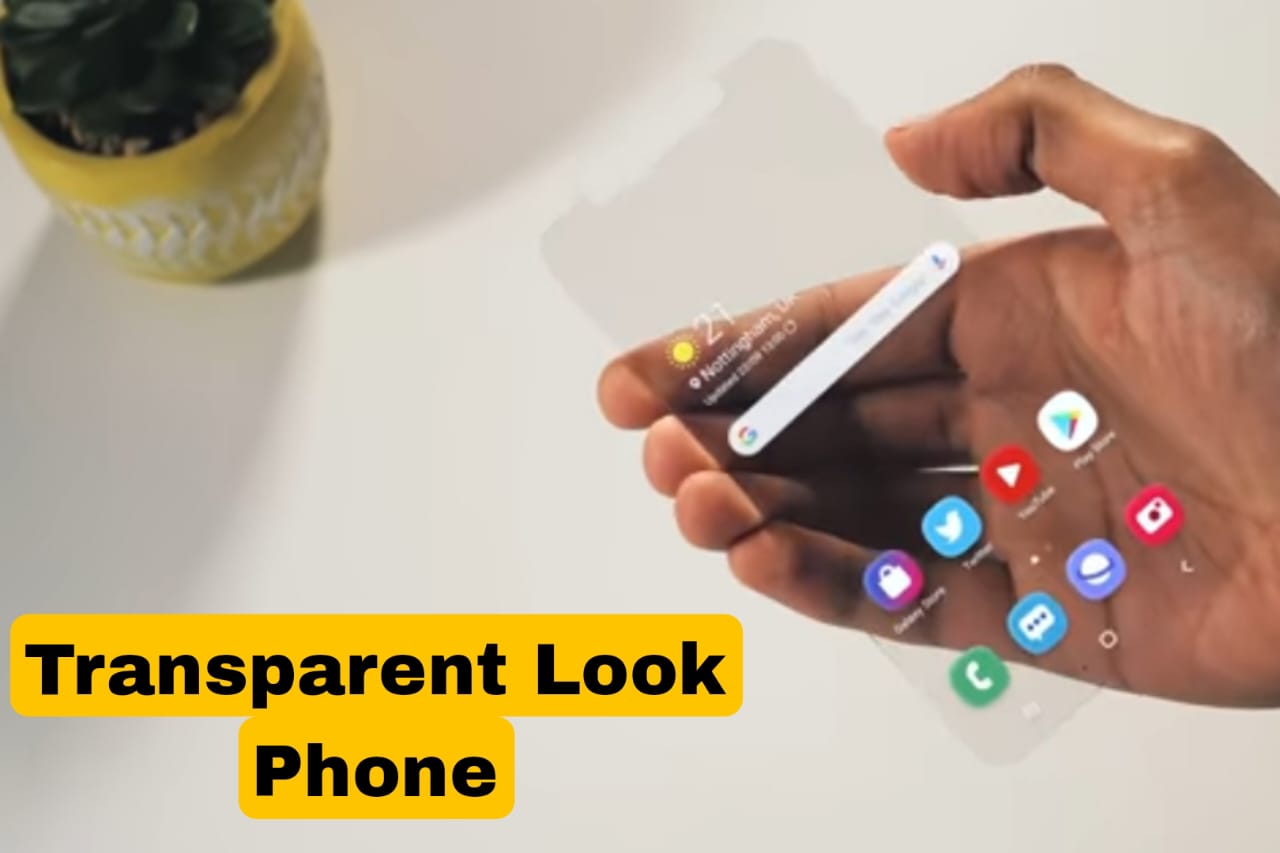
These days, smartphones aren’t just a means of communication, but have become a part of style and personality. A new trend is rapidly gaining popularity in 2026—the transparent phone look, which creates a mirror-like effect.
If you also want to give your Android phone a glass or mirror-like transparent look, without rooting and without risk, then this guide is for you.
In this article, I’ll show you an easy and unique way to give your phone a completely new and premium look.
What is a Transparent Phone Look?
A transparent phone look means:
- The home screen background should appear transparent.
- Icons should be clean and minimal.
- The phone should feel like a mirror or glass.
- No hardware damage.
⚠️ Important:
This is only a visual customization; the phone is not actually transparent.
Benefits of creating a transparent look.
- The phone looks premium and stylish.
- A unique impression among friends.
- No root required.
- Safe for daily use.
- No battery or data loss.
Step-by-Step: How to Make Your Phone Look Transparent (2026)
Step 1: Install a Minimal Android Launcher.
A heavy launcher should not be used for a transparent look.
Best features a launcher should have:
- Clean UI
- Icon hide option
- Gesture support
Tip:
Search for “minimal launcher” or “clean launcher” on the Play Store.
Step 2: Select a Transparent / Mirror Wallpaper
This step is the most important.
When choosing a wallpaper:
- Light reflection type image
- Photo with glass or mirror effect
- Glow effect with dark background
⚠️ Avoid:
- Cartoon wallpapers
- Bright colors
- Busy designs
Step 3: Make icons transparent
Too many icons ruins the transparent look.
What to do:
- Keep only essential apps
- Reduce icon size slightly
- Use the same color or outline icons
This will make the screen look mirror-clean.
Step 4: Clean the Status Bar and Dock
If possible:
- Hide the Dock
- Keep status bar icons to a minimum
- Set the clock to a simple font
This gives the phone a truly transparent feel.
Step 5: Smart Use of Widgets
If you must use widgets:
- Transparent clock widget
- Minimal weather widget
- No background widget
Too many widgets ruin the transparent look.
How to make the mirror look even better?
Here are some additional tips that give you a pro look:
- Keep Dark Mode On
- Slow down or turn off system animations
- Keep the app drawer background transparent
- Use navigation gestures instead of buttons
Is this method safe?
Yes, yes ✅
This method:
- Doesn’t root the phone
- Doesn’t change system files
- Doesn’t steal data
- Doesn’t violate AdSense/Google policies
So you’re 100% safe.
Common Mistakes to Avoid
- Installing Fake “Transparent Phone” Apps
- Downloading Apps from Unknown Sources
- Over-Customization
- Using Battery Booster or Hacker Apps
These things are dangerous for your phone.
Which phone looks best with a transparent look?
This look looks best if:
- The screen is AMOLED
- The bezels are thin
- The phone is dark in color
- The icons are minimal
But it also works on standard Android phones.
Why is the transparent phone trend popular in 2026?
- Simple and clean design
- iOS-style premium feel
- A unique look on social media
- Customization is gaining popularity
Therefore, this trend will grow further in 2026.
So, Here I am recommending a best App for transparency Phone which you can download for free from Google Play store, you can use it.
Conclusion
AIf you want to give your Android phone a transparent mirror look, this method is easy, unique, and safe. You can completely change your phone’s look without any risk.
Follow this guide and give your phone a modern and stylish transparent look in 2026.
If you liked this post, please comment and let us know how your phone looks.