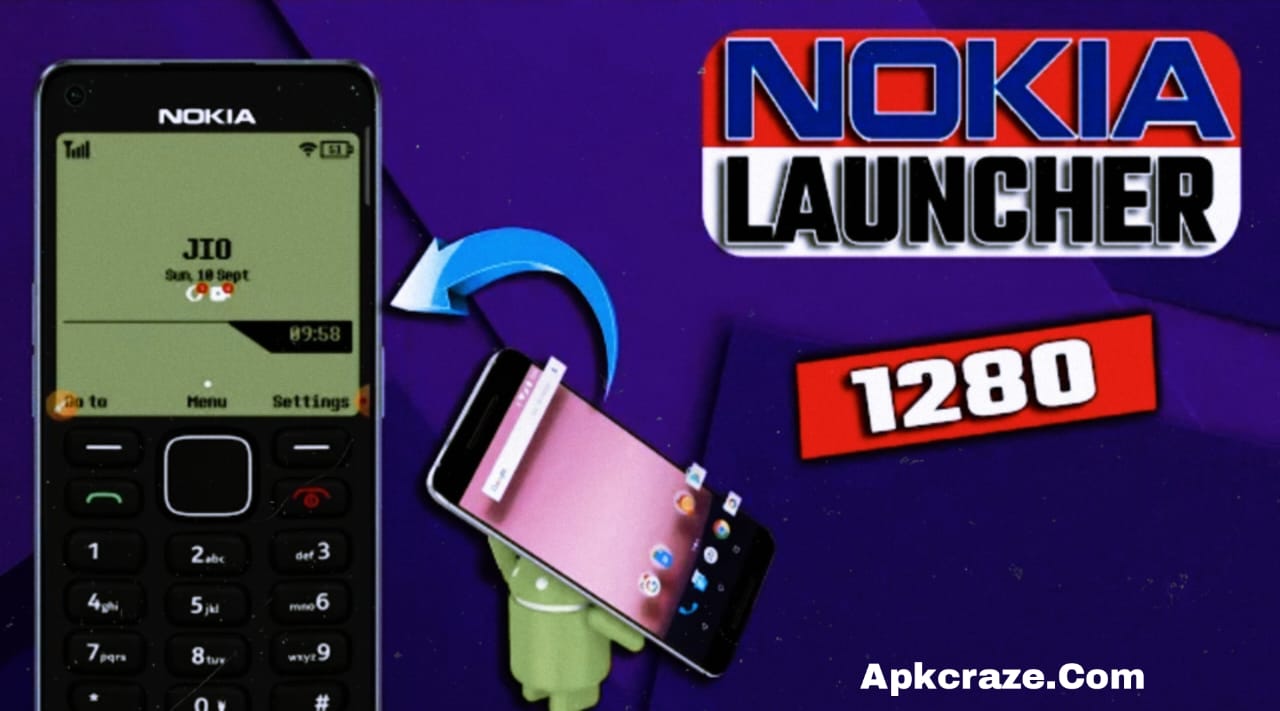
How to install a simple and classic Nokia 1280 launcher on your Android phone? A complete 2026 guide with steps.
Introduction
If you’re a fan of the old Nokia 1280, you’ll remember its simple look, clean menus, and button-style interface. Today’s modern Android phones feel heavy and confusing, so many people want a simple, fast, and classic phone.
In this article, we’ll explain in detail how to install the Nokia 1280-style launcher on your Android phone (2026)—step by step, in a very easy way.
This guide is also perfect for beginners.
What is the Nokia 1280 Launcher?
The Nokia 1280 launcher is a classic-style Android launcher that:
- Gives an old Nokia look
- Uses simple menus and buttons
- Uses less battery and RAM
- Gives a touch phone a button-like feel
This launcher is especially good for people who:
- Like a simple phone look
- Want to make the phone easy for seniors
- Want to keep the phone fast and lag-free
Benefits of using the Nokia 1280 Launcher
✔ The phone’s look becomes classic
✔ The Android phone runs faster
✔ Battery backup improves
✔ No ads or heavy animations
✔ Simple calling and messaging experience
Step-by-Step Method to Apply Nokia 1280 Launcher (2026)
Step 1: Open the Google Play Store
First, open the Play Store on your Android phone.
Step 2: Search for a Launcher
In the search bar, type:
“Nokia 1280 Launcher”
or
“Classic Phone Launcher for Android”
Step 3: Install a Trusted Launcher
Select an app that:
- Has a good rating (4★ or higher)
- Has a simple description
- Doesn’t ask for too many permissions
Tap Install.
Step 4: Open the Launcher
Once installed, open the launcher and tap “Set as Default Launcher.”
Step 5: Allow Permissions
For the Launcher to function properly:
- Phone permission
- Contacts permission
Allow (only required permissions).
Step 6: Enable Nokia 1280 Style
Now your Android phone will look like the Nokia 1280 with:
- Button style menu
- Black & white classic theme
- Simple text icons
In the settings, you can
How to customize Launcher settings?
- Increase/extend font size
- Change theme
- Keypad sound on/off
- Contact list simple view
Customize options like this.
Is this launcher safe?
Yes 👍
If you:
- Install from the Play Store
- Don’t install APKs from unknown sources
Which people is it best for?
✔ Senior citizens
✔ Simple phone for kids
✔ Battery saving users
✔ Minimal Android lovers
✔ Old Nokia fans
Common Problems & Solutions
Problem: Launcher seems slow
Solution: Close background apps
Problem: Default launcher isn’t changing
Solution: Settings → Apps → Default Apps → Launcher
Important Tips (2026)
- Don’t download extra themes
- Avoid launchers with ads
- Check the launcher after restarting the phone
- Allow regular updates
So, Here I am recommending a best App for Nokia Phone Launcher which you can download for free from Google Play store, you can use it.
Conclusion
If you want your Android phone to be as simple, fast, and classic as the Nokia 1280, this launcher is the best choice. Even in 2026, people still prefer simple phones, and this launcher perfectly fulfills their needs.
Follow this guide and give your Android phone a classic Nokia look.
If you found this post helpful, please comment.