
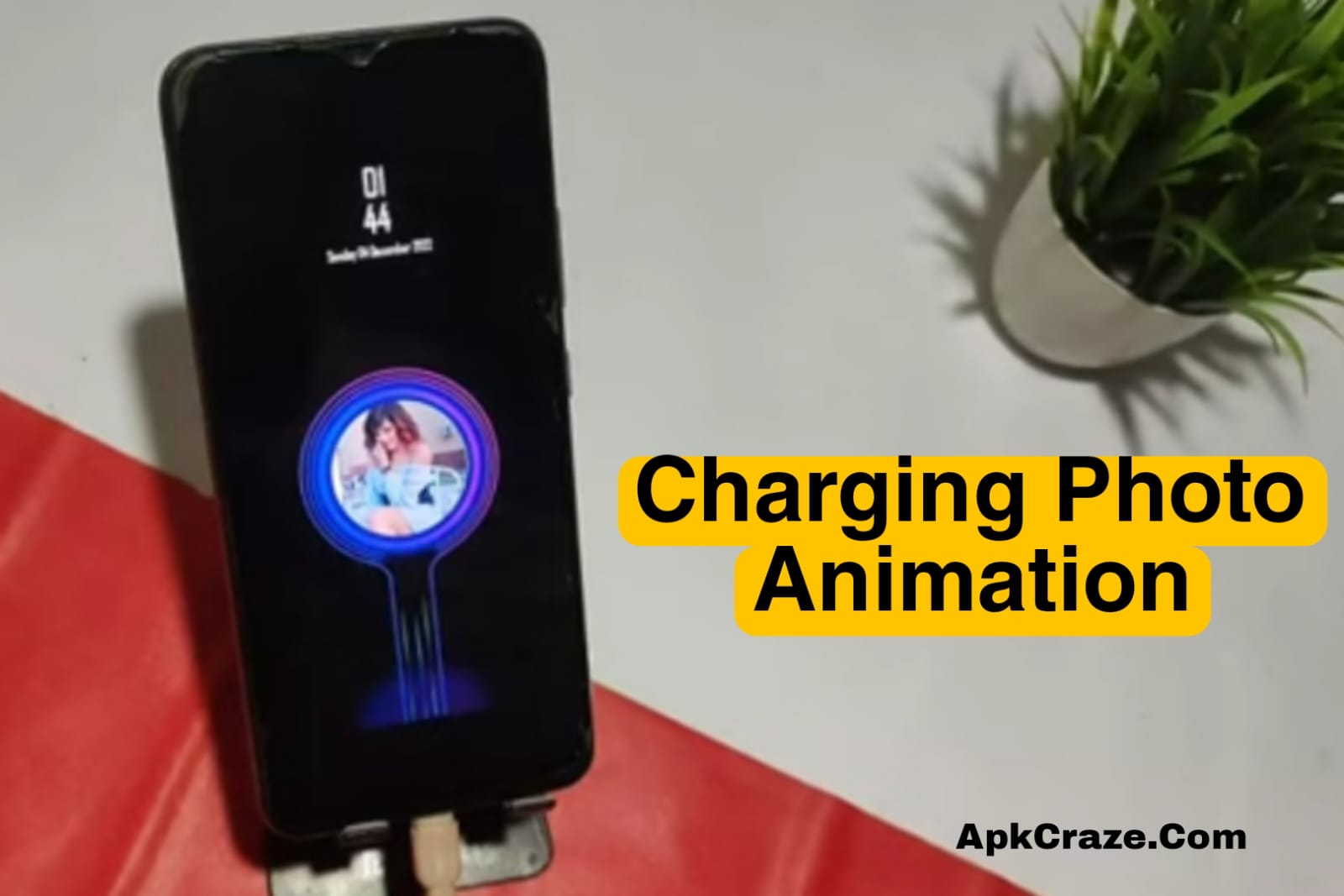
How to apply a charging animation background photo to an Android phone in 2026? A step-by-step guide with an easy method.
Introduction
These days, it’s not enough just to have a charging phone; people also like a stylish and attractive charging screen. In 2026, many Android users want to apply a custom charging animation background photo to their phones so that the screen looks premium and unique when charging.
In this post, you’ll learn a simple and safe way to apply a charging animation background photo to an Android phone, with a step-by-step guide. No risky methods, no hacking.
What is a Charging Animation Background Photo?
The charging animation background photo is the screen that appears on the display as soon as the phone is charged. It:
- Animation occurs
- Battery percentage is displayed
- A custom photo or wallpaper is applied
The default Android charging screen is boring, so people use custom charging animation apps.
Why use a charging animation background photo?
Benefits of this feature:
- The phone looks premium
- It showcases personal style
- The lock screen doesn’t look boring
- Cool content for social media
- No technical skills required
Requirements before applying a charging animation background photo
You should have the following ready before you get started:
- Android phone (Android 8 or above is best)
- Internet connection
- 1 charging animation app
- A photo in the phone gallery (optional)
Step-by-Step: How to apply an Android phone charging animation background photo (2026)
Step 1: Install a charging animation app
Install a trusted charging animation app from the Play Store.
(Example: Charging Animation, Battery Charging Animation, etc.)
⚠️ Tip:
Always choose an app with high ratings and good reviews.
Step 2: Grant the App Required Permissions
After opening the app:
- Allow the Display over other apps permission
- Allow the Battery permission
- Allow the Storage permission (for photos)
These permissions are necessary for the animation to work properly.
Step 3: Select the Charging Animation
Within the app, you’ll find multiple options:
- Circle animation
- Neon animation
- Minimal charging animation
- 3D style charging
Tap the style you like.
Step 4: Apply a Background Photo
Now the most important step:
- Tap the “Background” or “Set Photo” option.
- Select a photo of your choice from the Gallery.
- Adjust the photo (crop/fit).
- Tap Save.
Your custom background photo is now set for your charging animation.
Step 5: Test the Charging Animation.
Now connect the phone to the charger:
- The new charging animation will display on the screen.
- The background photo will be visible.
- The battery percentage will animate smoothly.
If the animation displays, setup is successful. ✅
How to customize the charging animation?
Most apps allow:
- Change animation speed
- Change battery percentage style
- Adjust screen brightness
- Sound on/off
- Enable dark mode
This way you can make your charging screen 100% personal.
Will the battery drain or not?
This is a common question.
✔️ If the app is trusted
✔️ No heavy ads in the background
✔️ The animation is only active during charging time
The battery won’t be significantly affected.
Tip:
Enable the “Run only while charging” option in the app’s settings.
Common Problems & Solutions
❌ Charging Animation Not Showing
✔ Recheck Permissions
✔ Turn Off Battery Optimization
❌ Phone Feeling Slow
✔ Use Lightweight Apps
✔ Disable Unnecessary Effects
❌ Ads Are Appearing Too Often
✔ Normal in the Free Version
✔ Check the Background Ads OFF Option
Benefits of Using a Charging Animation Background Photo (2026)
- Phone Looks Modern
- Customization is Enjoyable
- No Root Required
- Beginner Friendly
- Safe for Daily Use
Important Safety Tips
- Don’t Install Unknown APKs
- Limit App Permissions
- Uninstall Apps If Phone Is Overheating
- Avoid Fake “Battery Booster” Claims Children
- Fake “battery booster” claims se bachein
So, Here I am recommending a best App for charging animation background photo which you can download for free from Google Play store, you can use it.
Conclusion
If you want to make your Android phone stylish and unique, applying a charging animation background photo is the best customization idea of 2026. The method described in this guide is simple, safe.
Try it and take your phone charging experience to the next level.
If you encounter any problems, please let us know in the comments.
Do I need root access to add the charging animation?
No, root is not required at all.
Does this method work on every Android phone?
Yes, it works on most Android phones.
Does the charging animation drain the battery?
No, if the app is trusted, there is no harm.
Can I use my own photo as the background?
Yes, I can select any photo from my gallery.