
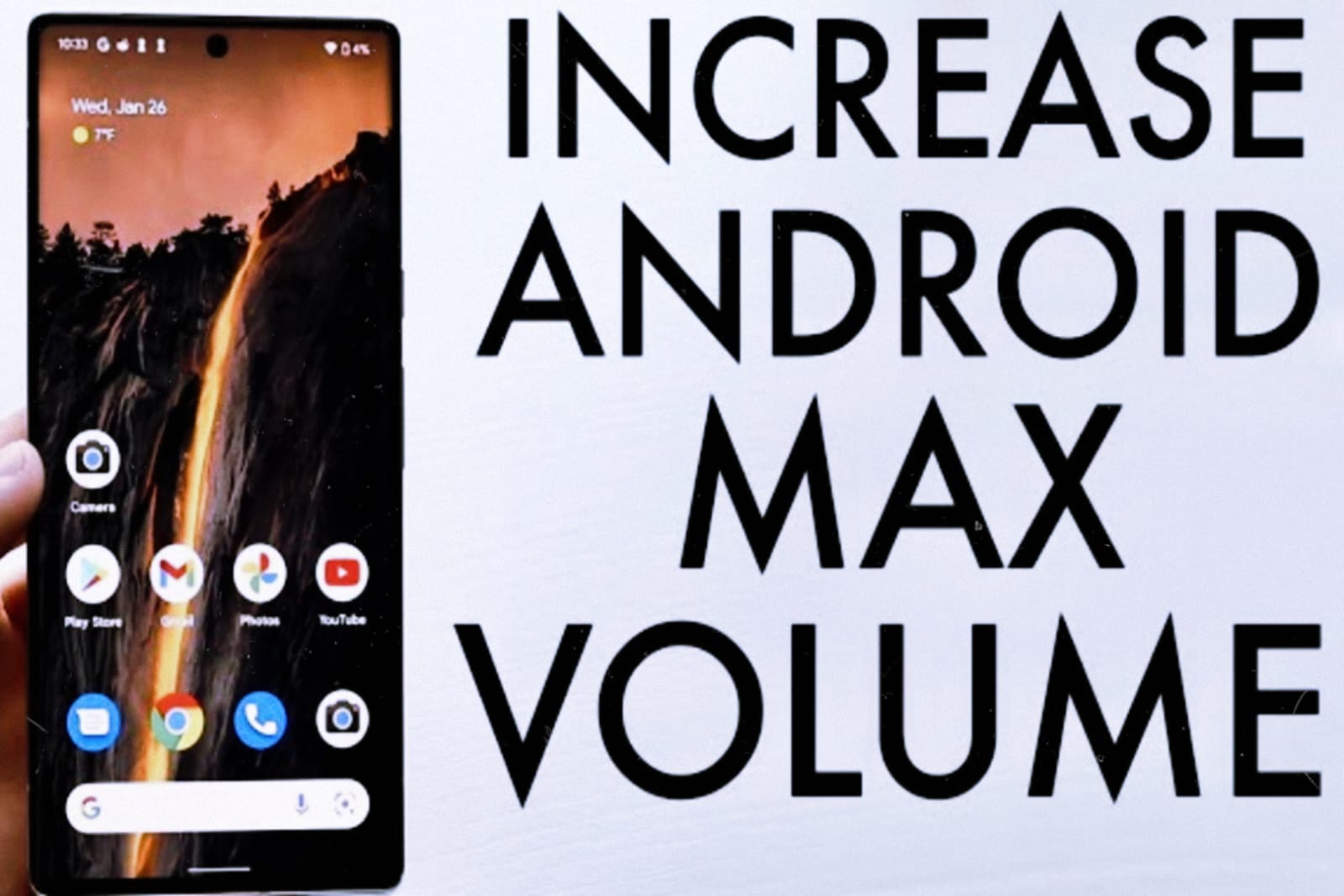
How to safely boost your Android phone’s audio volume in 2026? Best tips for making your speaker and earphones louder.
Introduction
A common issue for many Android users is that their phone volume is low, whether it’s on the speaker or in earphones. Enjoying videos, calls, and music becomes difficult. With new Android versions in 2026, some safe and effective methods have arrived to improve your phone’s audio volume—without damaging your phone.
In this article, we’ll explain step-by-step the best and safe methods for boosting your Android phone audio volume.
Why Does Your Android Phone’s Volume Squeeze?
Before boosting audio, it’s important to understand the underlying cause of low sound:
- Dust buildup in the speaker or earphones
- Volume settings not properly enabled
- Software bug or outdated system
- Using cheap earphones
- Equalizer settings incorrect
Method 1: Set the Volume Settings Properly
Step-by-Step:
- Open Settings
- Tap Sound & Vibration
- Maximize Media, Call, and Notification volume
- Turn off “Media Volume Limit” if it’s on
👉 Many phones have a volume limit enabled by default.
Method 2: Use the Built-in Equalizer (No App)
Step-by-Step:
- Settings → Sound → Sound Effects / Equalizer
- Set the preset to Rock or Bass Boost
- If manual option is available:
- Bass very high
- Treble medium
📌 This method is safe and won’t damage the phone.
Method 3: Clean the Speaker (Very Important)
Sometimes low volume is due to dirt in the speaker.
Safe Cleaning Tips:
- Use a soft toothbrush
- Gently clean with a cotton swab
- Do not apply pressure to the speaker grille
❌ Do not use water or sharp objects
Method 4: High-Quality Volume Booster App (Safe Option)
If the built-in options don’t work, you can use a trusted volume booster app.
How to use the app:
- Install a high-rated app from the Play Store
- Only boost to 10–20%
- Avoid over-boosting
⚠️ Overuse can damage the speaker.
Method 5: Improve Audio with Developer Options
Step-by-Step:
- Settings → About Phone
- Tap twice on Build Number
- Open Developer Options
- Enable “Disable Absolute Volume”
👉This improves Bluetooth and wired audio.
Method 6: Update Phone Software
Audio issues can also be caused by an outdated system.
Steps:
- Settings → Software Update
- Install the latest update
- Restart Phone
Method 7: Test by changing earphones
Sometimes the issue isn’t with the phone, but with the earphones.
✔ Use branded earphones
✔ Avoid cheap accessories
Important Safety Tips
- Don’t turn the volume up higher than 100%
- Avoid prolonged loud sound
- Stay away from cheap booster apps
These tips are safe for both your phone and your ears.
So, Here I am recommending a best App for Android phone’s audio volume which you can download for free from Google Play store, you can use it.
Conclusion
Boosting Android phone audio volume in 2026 is possible, just use the right and safe methods. The methods described in this guide are simple, effective, and risk-free. If you follow them step-by-step, the sound of both speakers and earphones will noticeably improve.
If you found this guide helpful, please comment and share your experience.
Are volume booster apps safe?
Yes, if limited boost is used.
Can the speaker be permanently damaged?
Yes, if over-boosted.
Is an equalizer the best option?
Yes, it’s the safest method.
Does an Android update improve audio?
It does.
How to make Bluetooth audio clearer?
Enable the Disable Absolute Volume option.